
Self-Taught Developer Roadmap Generator
Configure Your Learning Path
Imagine sitting at your kitchen table with a laptop, no instructor watching over your shoulder, and a mountain of YouTube tutorials in front of you. You want to build websites, automate boring tasks, or switch careers into tech. The big question haunting you is: can I learn coding on my own? The short answer is yes. But the long answer involves grit, strategy, and knowing exactly where most people fail.
In 2026, the barrier to entry for programming has never been lower. Free resources are abundant. However, the lack of structure is exactly why so many beginners quit within three months. This guide breaks down how to actually succeed as a self-taught developer without wasting years spinning your wheels.
The Reality Check: Why Most Self-Learners Quit
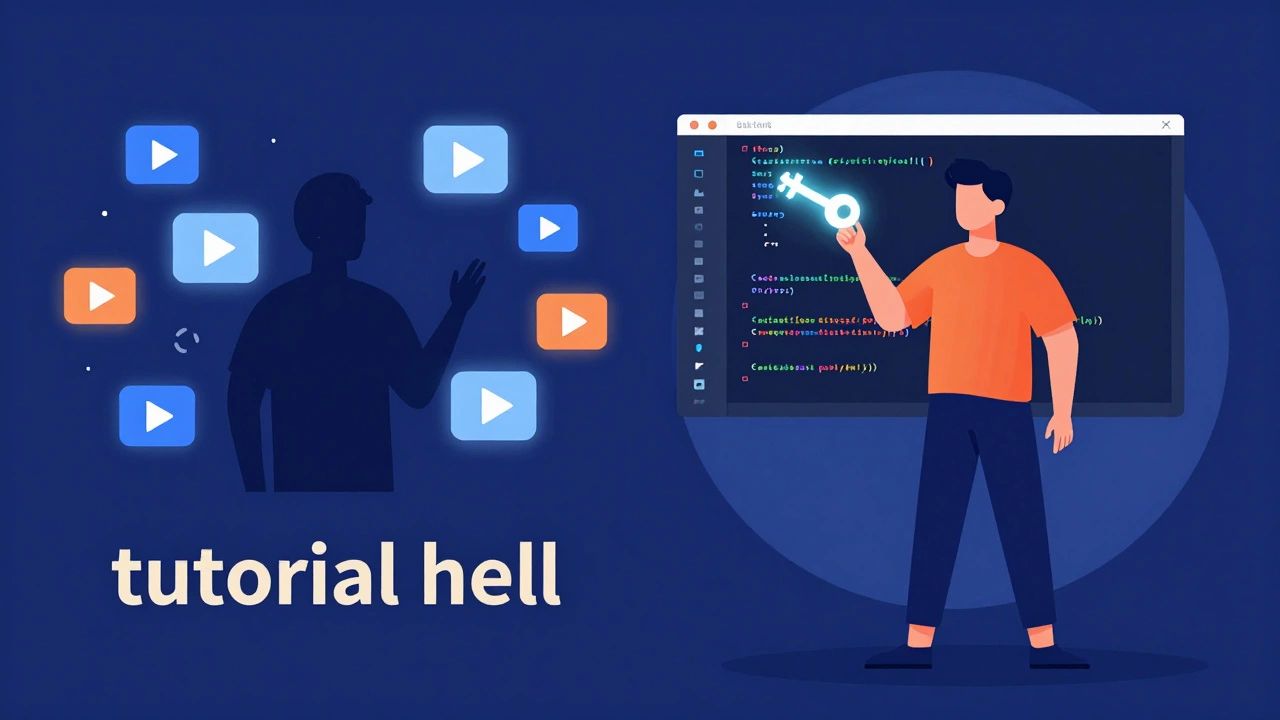
Let’s be honest about the numbers. Studies from platforms like Coursera and edX suggest that completion rates for free online courses hover around 5% to 15%. Why? Because learning to code isn’t just about absorbing information; it’s about building muscle memory through practice. When you don’t have a teacher forcing you to submit assignments, it’s easy to fall into "tutorial hell."
Tutorial hell happens when you watch video after video, nodding along, thinking you understand. Then you open a blank text editor and freeze. You can’t write a single line of code because you’ve never solved a problem independently. To avoid this, you need a system that forces output, not just input.
Choosing Your Path: What Should You Learn First?
Before you download an IDE (Integrated Development Environment), you need to pick a language. Trying to learn everything at once is a recipe for burnout. Here is how to choose based on your goals:
- HTML & CSS is the foundation of web design. If you want to see visual results immediately, start here. It’s not technically "programming" in the logic sense, but it’s essential for any web developer.
- JavaScript is the language of the web. It adds interactivity to websites. It is versatile, running both in browsers and on servers (via Node.js). For most self-learners aiming for a job, this is the highest ROI choice.
- Python is known for its readability and versatility. It is excellent for data analysis, automation, and backend development. Its syntax is forgiving, making it great for absolute beginners who struggle with complex symbols.
- SQL is used for managing databases. Every app needs data storage. Learning SQL early helps you understand how applications store and retrieve information.
If you are unsure, start with HTML/CSS and JavaScript. They offer the fastest path to building something tangible-a personal portfolio site, for example.
The Self-Taught Curriculum: A Step-by-Step Plan
You don’t need a degree, but you do need a curriculum. Treat your learning like a part-time job. Here is a realistic roadmap for the first six months.
- Month 1: The Basics. Focus on syntax. Learn variables, loops, functions, and conditionals. Use interactive platforms like freeCodeCamp is a non-profit organization offering free coding certifications or Codecademy. Do not just read; type every line yourself.
- Month 2: Small Projects. Build a calculator, a to-do list, or a simple quiz game. These projects force you to combine different concepts. If you get stuck, search Stack Overflow. Reading other people’s errors is half the job.
- Month 3: Version Control. Learn Git is a distributed version control system for tracking changes in source code. Create a GitHub account. Upload every project you build. This becomes your proof of work.
- Month 4-6: The Capstone Project. Build one large application. It could be a weather app that pulls data from an API, or a blog platform. This project will be messy. That’s good. Debugging is where real learning happens.
Free vs. Paid Resources: Where to Spend Your Money
You can learn everything for free. However, paid resources often save time by providing structure and community support. Here is a breakdown of the landscape in 2026.
| Resource Type | Best For | Cost | Pros | Cons |
|---|---|---|---|---|
| YouTube Tutorials is video-based instructional content | Visual learners, specific topics | Free | Unlimited variety, up-to-date trends | No accountability, variable quality |
| Interactive Platforms is websites like Codecademy or freeCodeCamp | Syntax basics, immediate feedback | Free/Paid | Guided paths, instant error checking | Can create dependency on hints |
| Bootcamps is intensive, short-term training programs | Career changers needing structure | $5,000 - $20,000 | Job support, peer network, fast pace | High cost, high stress |
| Documentation is official technical guides (MDN, Python Docs) | Deep understanding, reference | Free | Most accurate, authoritative | Dry, difficult for beginners |
My advice? Start with free resources. Only pay for a course or bootcamp if you find yourself lacking discipline or need career services. Many successful developers started with nothing but a library card and internet access.
The Hidden Skill: Problem Solving
Coding is not about memorizing syntax. It’s about breaking big problems into small pieces. This skill is called computational thinking. You develop it by struggling. When your code doesn’t work, don’t copy-paste the solution from a forum. Read the error message. Understand why it failed. Try again.
Self-taught programmers often fear they aren’t "real" developers because they lack a CS degree. In reality, employers care about what you can build. Can you fix a bug? Can you explain your logic? Can you collaborate? These skills are learned through doing, not just attending lectures.

Building a Portfolio That Gets Hired
Your portfolio is your resume. It should showcase three things:
- Variety: Show you can handle different types of problems (frontend, backend, database).
- Quality: Clean code matters. Comment your work. Make sure the UI looks decent.
- Live Demos: Deploy your apps using services like Vercel or Netlify. Recruiters won’t clone your repo to test it; they’ll click a link.
Don’t include tutorial projects unless you’ve significantly expanded them. A basic to-do list is fine for learning, but a to-do list with user authentication, cloud storage, and drag-and-drop features shows growth.
Networking Without a Degree
One disadvantage of self-teaching is isolation. You miss out on classmates and professors. Counter this by joining communities. Participate in local meetups (check Meetup.com for Manchester or your city), join Discord servers for developers, or contribute to open-source projects on GitHub.
Engaging with others keeps you motivated. It also leads to job referrals. Many tech jobs are filled through networks before they ever hit public job boards. Being visible in online communities signals that you are passionate and proactive.
When to Consider Coding Classes
While self-learning is viable, structured Coding Classes is formal instruction in programming languages and software development offers benefits. If you learn best in a group, need deadlines to stay on track, or want mentorship from senior engineers, a class might be worth the investment. Look for classes that emphasize project-based learning rather than just theory.
Ultimately, the method matters less than the consistency. Whether you teach yourself or hire a tutor, you must code every day. Even thirty minutes daily beats ten hours once a week. The key is momentum.
How long does it take to learn coding on my own?
It depends on your goal. To build simple websites, you might need 3-6 months of consistent study. To become job-ready for a junior developer role, expect 12-18 months of dedicated effort, including building a strong portfolio. Part-time learners should plan for at least two years to reach professional proficiency.
Do I need a computer science degree to get hired?
No. Many companies, especially startups and tech-forward firms, prioritize skills and portfolios over degrees. While a CS degree provides deep theoretical knowledge, practical experience often outweighs academic credentials in the hiring process for entry-level roles.
What is the best free resource for beginners?
freeCodeCamp is widely regarded as one of the best free resources because it offers a structured curriculum with hands-on projects. MDN Web Docs is also essential for accurate reference material. For video learners, channels like Traversy Media or The Net Ninja provide high-quality tutorials.
How do I avoid tutorial hell?
Stop watching tutorials and start building. After learning a concept, immediately apply it to a small project without guidance. Force yourself to solve problems independently. If you get stuck, try debugging for at least 30 minutes before looking up the answer.
Is Python or JavaScript better for beginners?
Both are excellent choices. JavaScript is better if you want to build websites and see visual results quickly. Python is better if you are interested in data science, automation, or backend logic. Choose based on your end goal, not just popularity.