Free Online Course Planner
Don't teach "everything." Solve one specific problem for one specific person.
Select the model that fits your goals and technical skills.
Short lessons keep students engaged. Aim for quick wins.
You don't need expensive software. Check what you have ready.
Your Course Launch Plan
Ready to record? Here is your summary based on the inputs above.
- Niche: Define your niche first...
- Platform: Choose a platform goal...
- Structure: Set lesson lengths...
Most people think creating an online course requires a $2,000 camera, a soundproof studio, and a subscription to expensive software. That’s old news. You can launch a fully functional online course today with zero dollars in your bank account. The barrier isn’t money; it’s clarity. If you have knowledge worth sharing and a smartphone, you’re already ahead of 90% of aspiring instructors who are still waiting for the "perfect" setup.
Define Your Niche Before You Record Anything
The biggest mistake new creators make is trying to teach everything. "I know how to code," or "I speak Spanish." That’s too broad. You need to solve a specific problem for a specific person. Think about what friends ask you for help with repeatedly. Is it fixing Excel formulas? Cooking quick meals for busy parents? Understanding tax basics for freelancers?
Once you pick a topic, validate it. Go to Reddit, Quora, or Facebook groups related to that niche. Look for questions asked in the last month. If people are asking, they’re likely willing to learn (and potentially pay later). This validation step costs nothing but saves you from recording 10 hours of content nobody wants.
Choose the Right Free Platform for Your Needs
Not all platforms are created equal. Some are marketplaces where you compete with thousands of others; others are hosting sites where you bring your own traffic. For a completely free start, you have three main categories to consider: Marketplaces, Community-based platforms, and Open-source LMS options.
Udemy is a marketplace model. It’s free to upload courses, but Udemy takes a significant cut of sales (up to 37-63%). The upside? They handle marketing and have millions of students searching for topics daily. If you want passive discovery without building an email list, this is your best bet.
Teachable and Thinkific offer free tiers, but they come with heavy restrictions, like transaction fees or branding limits. They are better if you plan to upgrade later.
For true creative control without upfront costs, look at Moodle, which is open-source and free to download, though you’ll need basic technical skills to host it. Alternatively, social platforms like YouTube or Skool (which has a free trial period) allow you to build community alongside content.
| Platform Type | Cost Structure | Best For | Marketing Control |
|---|---|---|---|
| Marketplace (e.g., Udemy) | Free to publish; high revenue share | Beginners needing traffic | Low |
| SaaS Free Tier (e.g., Teachable) | Free up to limit; transaction fees | Building a brand | Medium |
| Open Source (e.g., Moodle) | Software free; hosting may cost | Tech-savvy educators | High |
| Social/Community (e.g., YouTube) | Completely free | Audience building | High |
Structure Your Curriculum for Maximum Retention
Don’t just hit record and talk for an hour. Students drop off when lessons are unstructured. Break your knowledge into modules, and break modules into short lessons. Aim for 5-10 minutes per video. Why? Because attention spans are short, and small wins keep students motivated.
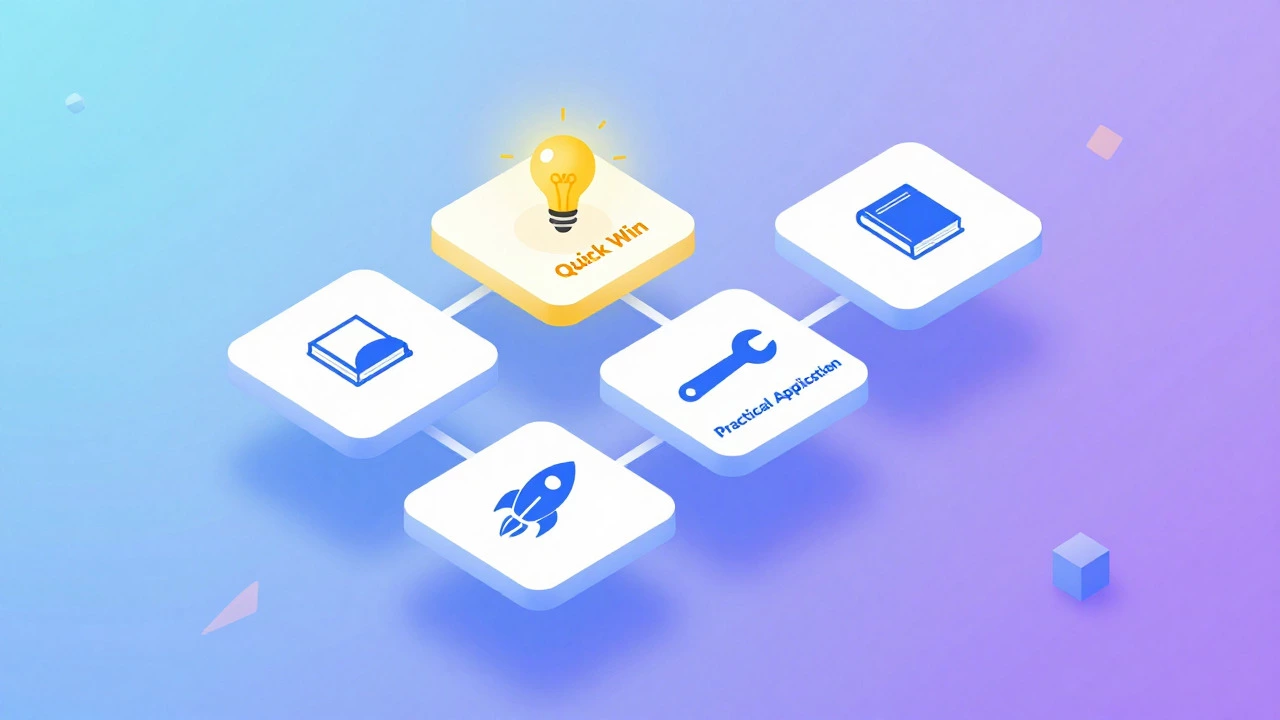
Start with a "Quick Win" lesson. In your first module, give the student something they can achieve immediately. If you’re teaching photography, don’t start with the history of cameras. Start with "How to take a better portrait using natural light in 5 minutes." This builds trust and momentum.
- Module 1: Introduction & Quick Win (Builds confidence)
- Module 2: Core Concepts (The meat of the course)
- Module 3: Practical Application (Exercises or projects)
- Module 4: Advanced Tips & Next Steps (Retention and upsell)
Create Content Using Tools You Already Own
You do not need Adobe Premiere Pro. You do not need a ring light. Here is the free stack that works surprisingly well:
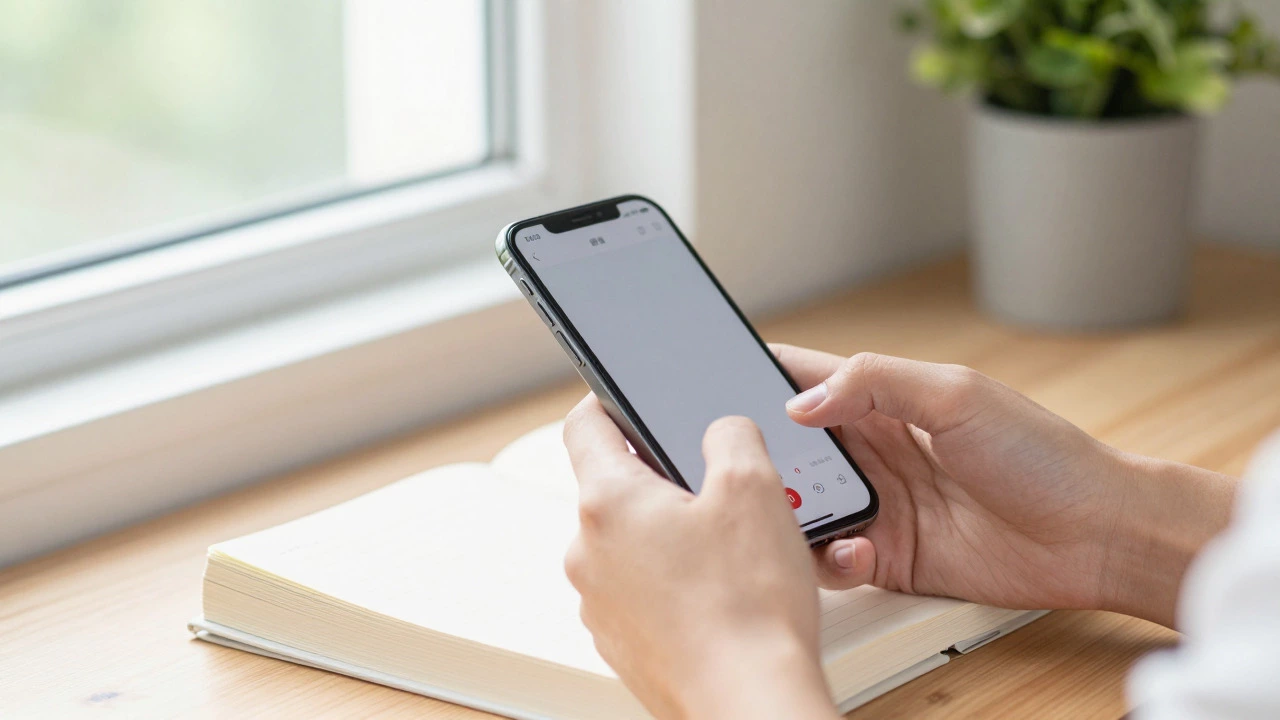
Video: Use your smartphone. Modern phones shoot 4K video. Place it on a stack of books near a window for natural lighting. Natural light is flattering and free. Avoid backlighting (don’t sit with a window behind you).
Audio: Bad audio kills courses faster than bad video. Use the wired earphones that came with your phone. The microphone quality is decent enough for instructional videos. If you’re serious, grab a cheap lavalier mic (often under $15), but for day one, earphones work.
Editing: Use DaVinci Resolve, which offers a robust free version. It’s professional-grade software used by Hollywood editors. It has a steeper learning curve, but there are hundreds of free tutorials on YouTube. Alternatively, CapCut (desktop version) is incredibly user-friendly for beginners and handles auto-captions, which are essential for accessibility.
Slides: Don’t use PowerPoint if you can avoid it. Use Canva. Their free tier has thousands of educational templates. Keep slides simple: one idea per slide, large text, minimal bullet points. You are the content; the slides are just visual aids.
Launch and Iterate Without Spending a Dime
Perfectionism is procrastination in disguise. Launch your course even if it’s imperfect. Put it on your chosen platform. Share the link on social media. Ask five friends to take it and give honest feedback.
Track two metrics: completion rate and student feedback. If everyone quits after Lesson 3, Lesson 3 is too hard or boring. Fix it. If they love Lesson 5 but complain about the audio, re-record just that part. Iteration is cheaper than perfection.
Use free channels to drive traffic. Write LinkedIn posts summarizing key lessons. Post short clips on TikTok or Instagram Reels. Answer relevant questions on Reddit with links to your free resource. Remember, the goal initially is not profit; it’s proof that people value your knowledge.
Frequently Asked Questions
Do I need copyright clearance for music in my course?
Yes. Most popular songs require licensing. For free courses, use royalty-free music libraries like YouTube Audio Library or Pixabay Music. These are safe for commercial and non-commercial use without payment.
Can I really make money with a free course?
Directly, maybe not much. But free courses are excellent lead magnets. You can collect emails from students and sell them premium coaching, advanced workshops, or affiliate products later. The free course builds trust and authority.
What is the ideal length for a free online course?
Keep it concise. For a free introductory course, aim for 1-2 hours of total video content spread over 5-7 days. Long, overwhelming free courses often suffer from low completion rates. Short, actionable series perform better.
Is it better to pre-record or live-stream my course?
Pre-recording is easier for editing and consistency. Live streaming builds community and allows real-time Q&A. A hybrid approach works well: pre-record core lessons and host weekly live Q&A sessions to engage students directly.
How do I protect my content from being stolen?
On free platforms, protection is limited. Add watermarks to your videos. Focus on building a personal brand so students buy from *you*, not just the content. Ultimately, the value of a course is often in the community and interaction, which cannot be easily copied.