Learning Station Readiness Checker
Check off the elements present in your current study space to see how well your environment supports deep work.
Focus Score
Top Priority Fix
Complete the checklist to identify your biggest barrier to focus.
You’ve downloaded the course. You’ve bought the subscription. But when it’s time to actually learn, you’re sitting on your bed, scrolling through Instagram with one eye, while a lecture plays in the background. Sound familiar? Most people fail at e-learning not because the content is bad, but because their environment fights against them. A proper learning station isn’t just about having a desk; it’s about creating a physical trigger that tells your brain, “It’s time to focus.”
Think of your space as a piece of hardware for your mind. If the hardware is glitchy-too much noise, poor lighting, uncomfortable chair-the software (your brain) crashes. Whether you are studying for IIT JEE, learning Python, or taking an MBA module online, the setup matters more than you think. Let’s break down how to build a station that actually works, without needing a renovation budget.
The Psychology of Your Study Zone
Why does location matter so much? It comes down to context-dependent memory and habit formation. When you always study in the same spot, your brain associates that specific visual field with deep work. This reduces the cognitive load required to “switch into” learning mode. Conversely, if you study on the couch where you also watch Netflix, your brain has to work harder to ignore the relaxation cues.
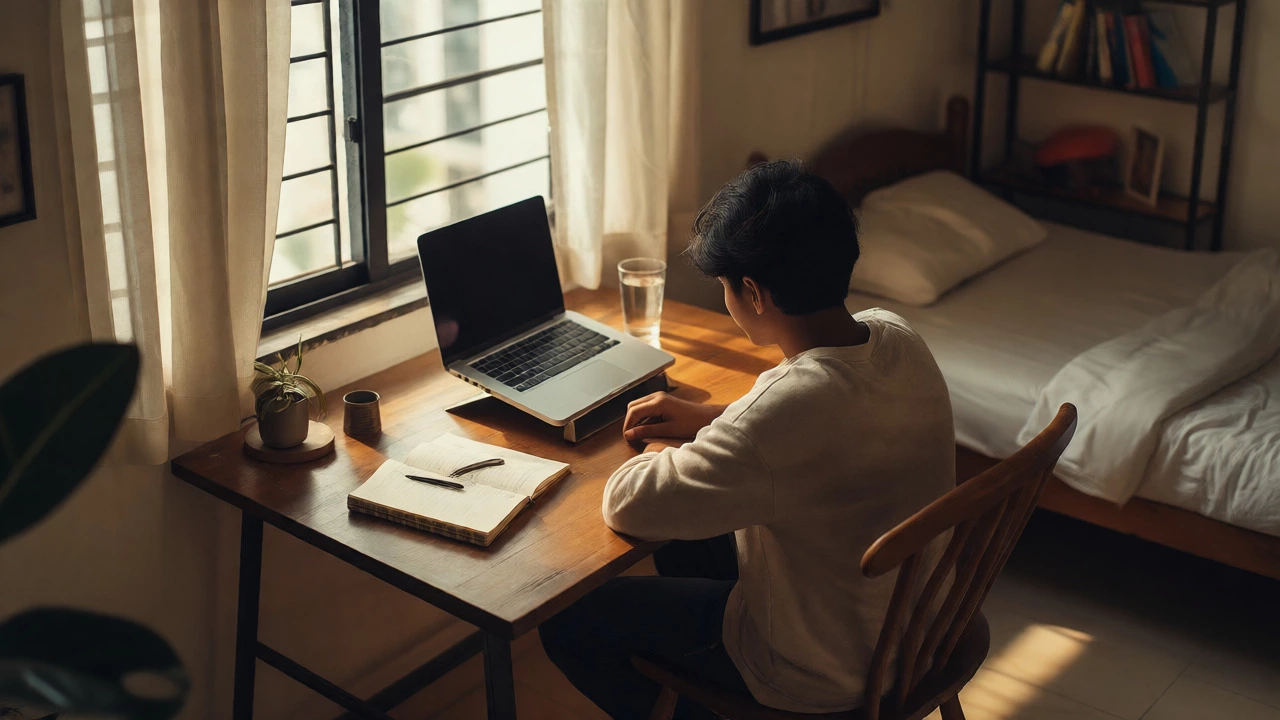
You don’t need a dedicated room. In fact, many successful remote learners use a corner of the bedroom or even a specific table in the kitchen. The key is consistency. Pick one spot. Make it yours. Remove distractions from that zone. If your phone lives there, it needs to be out of sight, not just face down. Out of sight truly means out of mind for most people.
Ergonomics: Comfort Equals Endurance
Discomfort is the enemy of long study sessions. If your back hurts after 30 minutes, you’ll quit before you hit the flow state. You don’t need a $1,000 Herman Miller chair, but you do need support.
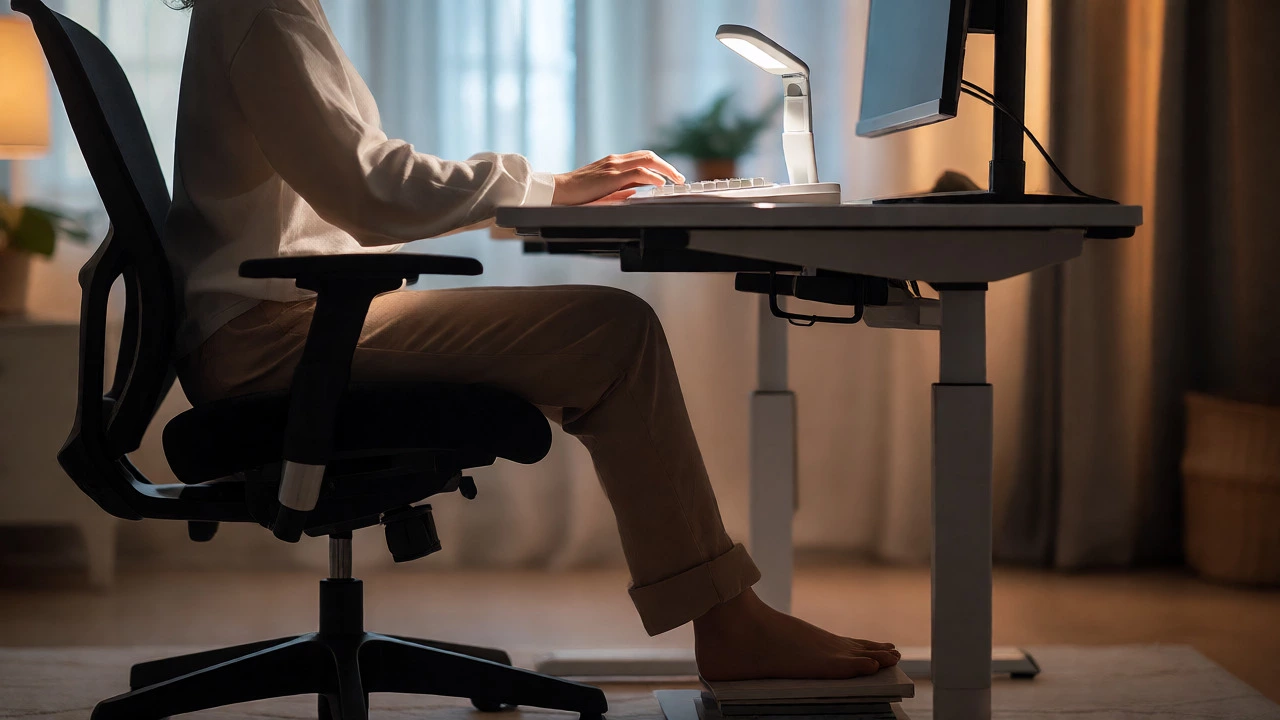
- Chair: Your feet should rest flat on the floor. If they dangle, use a footrest or a stack of books. Knees should be at a 90-degree angle.
- Desk Height: Elbows should be at 90 degrees when typing. If your desk is too high, raise your chair and use a footrest. If it’s too low, consider a laptop stand.
- Screen Position: The top of your monitor should be at or slightly below eye level. Looking down strains your neck; looking up strains your eyes.
Posture isn’t just about health; it’s about energy. Slouching compresses your lungs, reducing oxygen intake, which makes you sleepy. Sit up straight, and you’ll notice you can stay alert longer.
Lighting That Doesn’t Kill Your Eyes
Bad lighting causes eye strain, headaches, and fatigue faster than any difficult calculus problem. Natural light is best, but only if it doesn’t cause glare on your screen. Position your desk perpendicular to windows if possible. If you study at night, avoid overhead lights that cast shadows across your keyboard.
Use task lighting instead. A simple LED desk lamp with adjustable brightness and color temperature works wonders. Warm light (around 3000K) is relaxing, good for reading before bed. Cool light (4000K-5000K) mimics daylight and keeps you alert during intense coding or math sessions. Many modern lamps let you switch between these modes. Use them.
Taming Digital Clutter
Your physical desk might be clean, but what about your digital desktop? If you have 50 tabs open, three chat apps pinging, and email notifications popping up, you aren’t studying-you’re multitasking. And multitasking is a myth; you’re just rapidly switching contexts, which drains battery life fast.
| Tool Type | Best For | Common Pitfall | Fix |
|---|---|---|---|
| Laptop/Desktop | Video lectures, coding, research | Tab overload | Use browser extensions like OneTab |
| Tablet | Note-taking, reading PDFs | Distraction by games/apps | Enable "Focus Mode" or airplane mode |
| Notebook/Paper | Mind mapping, quick sketches | Hard to search later | Scan pages weekly using an app |
| Smartphone | Flashcards, timers | Social media temptation | Keep it in another room |
Set boundaries. Close all non-essential tabs. Use full-screen mode for video players. Turn off desktop notifications. If you use Windows, turn on "Focus Assist." On Mac, use "Do Not Disturb." These small steps reclaim hours of lost attention per week.
Soundscapes and Noise Control
Silence isn’t always golden. For some, total silence amplifies internal thoughts and anxiety. For others, background chatter breaks concentration. Experiment with what works for you.
If you live in a noisy house, noise-canceling headphones are a game-changer. They don’t need to play music; just wearing them blocks out household chaos. If you prefer sound, try white noise, brown noise, or lo-fi beats. Avoid lyrics-heavy music if you’re doing verbal tasks like language learning or writing essays. Lyrics compete with your inner monologue.
Apps like Brain.fm or Noisli offer scientifically tuned soundscapes designed to enhance focus. Free alternatives include YouTube playlists labeled "study music." Just ensure you don’t spend more time picking the playlist than studying.
Supplies Within Arm’s Reach
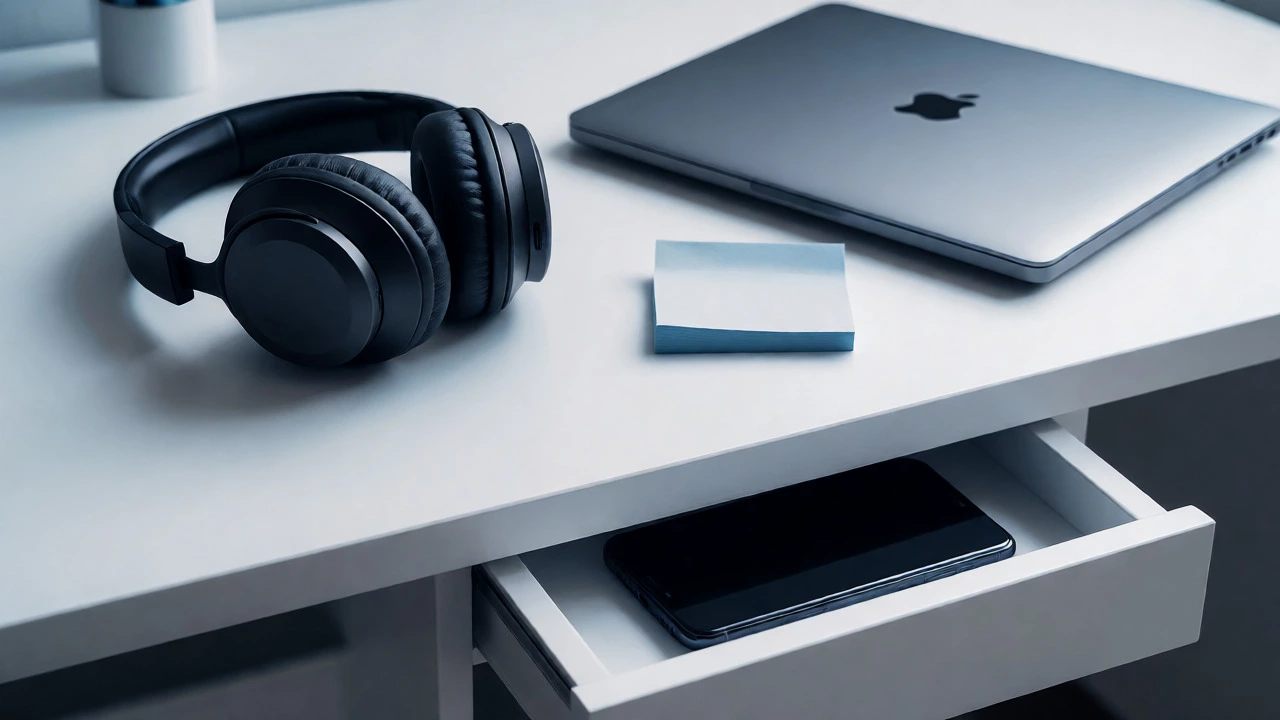
Every time you get up to find a pen, a charger, or a glass of water, you risk breaking your focus. Once you stand up, you might check the fridge, pet the dog, or scroll your phone. Keep essentials within arm’s reach.
- Charging cables (long enough to reach your outlet)
- Notebooks and pens/pencils
- A bottle of water (hydration prevents fatigue)
- Headphones
- Sticky notes for quick reminders
Organize these items neatly. A messy desk creates mental clutter. Spend five minutes at the end of each session tidying up. Start the next day with a clean slate.
Testing Your Setup
Once you’ve arranged your station, test it. Sit down and attempt a 25-minute Pomodoro session. Did you get up? Did you pick up your phone? Was the chair uncomfortable? Adjust accordingly. Maybe the lamp is too bright. Maybe the chair needs a cushion. Iterate until the friction disappears.
Remember, this is a living system. As your courses change-from heavy reading to practical labs-your needs might shift. A coding student might need dual monitors. A language learner might need a quiet corner for speaking practice. Adapt your station to fit the job, not the other way around.
Building a learning station isn’t about buying expensive gear. It’s about removing barriers between you and your goals. When your environment supports your intent, learning becomes easier, faster, and more enjoyable. Start small today. Clear one corner. Plug in your lamp. Sit down. Begin.
Do I really need a separate room for my learning station?
No, you do not. Many effective learning stations exist in bedrooms, living rooms, or kitchens. The critical factor is consistency and boundary-setting. Designate a specific area that is used exclusively for studying. Even if it’s just a corner of a shared space, visually separating it (perhaps with a bookshelf or a different rug) helps signal to your brain that it’s time to focus.
What is the best lighting for online learning?
Natural light is ideal, but it must be managed to prevent screen glare. Position your desk perpendicular to windows. For artificial lighting, use a combination of ambient room light and a focused task lamp. Cool white light (4000K-5000K) is generally better for alertness during daytime study, while warm light (2700K-3000K) is less straining for evening sessions. Avoid having a single bright light source behind you, which casts a shadow on your work surface.
How can I minimize distractions if I share my space with family?
Communication and technology are your best tools. First, establish clear "do not disturb" times with your family. Second, invest in noise-canceling headphones to block out auditory interruptions. Third, use visual cues, such as closing a door or wearing headphones, to signal you are in deep work mode. If visual distractions are an issue, position your desk facing a wall rather than the room activity.
Is a standing desk worth it for e-learning?
A standing desk can be beneficial for changing posture and boosting energy levels, but it is not mandatory. Alternating between sitting and standing every 30-60 minutes can reduce sedentary risks and improve circulation. However, if you are new to standing desks, start slowly to avoid fatigue. Ensure your monitor height adjusts easily if you plan to switch positions frequently.
What accessories are essential for a beginner's learning station?
You don't need everything at once. Prioritize comfort and connectivity. Essential items include a comfortable chair (or cushions for lumbar support), a stable desk, adequate lighting, and a reliable internet connection. Secondary but highly useful items include a webcam with a good microphone (for group calls), a second monitor (if budget allows, for viewing notes alongside lectures), and cable organizers to keep your space tidy.