Python Learning Journey Estimator
Check off what you can already do to adjust your estimate.
Estimated Time to Reach Goal
--
weeks/months
You’ve probably heard the hype: Python is the easiest programming language to pick up. You can build a website in an afternoon, right? Well, not exactly. If you’re staring at your screen wondering how many months of your life this will actually consume, you’re asking the right question. The truth is, there’s no single answer because "learning Python" means different things to different people. For some, it’s writing a script to rename 500 files. For others, it’s building machine learning models that predict stock prices.
Here is the short version before we break down the details:
- Basic Syntax & Logic: 2-4 weeks if you study consistently (10-15 hours/week).
- Job-Ready Junior Developer: 6-9 months with dedicated practice and portfolio projects.
- Data Science Specialist: 3-6 months after mastering basics, focusing on libraries like Pandas and NumPy.
- Web Development Focus: 4-6 months to build functional apps using Django or Flask.
- True Mastery: Years. Seriously, even senior engineers learn new tricks every week.
What Does "Learning Python" Actually Mean?
Before you set a timer, you need to define your finish line. Are you trying to automate boring Excel tasks? Do you want to switch careers into software engineering? Or are you just curious about how code works? These goals require vastly different time investments.
Think of it like learning a spoken language. Knowing enough to order coffee in Paris takes a few days. Holding a philosophical debate takes years. Python is similar. Syntax-the rules of how you write code-is surprisingly forgiving. You don’t need semicolons everywhere, and the indentation makes logic visible. But understanding algorithms, data structures, and how to structure large applications? That’s where the real time goes.
If you aim for "I can read code and fix small bugs," you might hit that mark in three weeks. If you aim for "I can architect a scalable backend system," you’re looking at a year or more of consistent effort. Be honest with yourself about what you need. This clarity saves you from burnout.
The Beginner Phase: Weeks 1-4
In the first month, you’re fighting two battles: syntax memorization and logical thinking. Most tutorials rush through variables, loops, and functions. Don’t let them. Spend time here. If you skip understanding how a for loop iterates through a list, you’ll struggle later when dealing with nested dictionaries.
A typical beginner schedule looks like this:
- Week 1: Install Python and VS Code. Write "Hello World." Understand variables, data types (strings, integers, booleans), and basic input/output.
- Week 2: Control flow. If statements, while loops, and for loops. Practice by solving simple problems like calculating factorials or checking if a number is prime.
- Week 3: Data structures. Lists, tuples, dictionaries, and sets. Learn when to use which. This is crucial for efficient code.
- Week 4: Functions and modules. Break your code into reusable blocks. Learn how to import standard libraries like
mathorrandom.
At this stage, you aren’t "coding" yet; you’re typing instructions. You’ll feel slow. Your eyes will hurt. That’s normal. By day 30, you should be able to write a script that reads a text file, counts word frequencies, and prints the top ten words. If you can do that, you’ve cleared the first hurdle.
The Intermediate Hurdle: Months 2-3
This is where most people quit. Why? Because tutorials stop holding your hand. Suddenly, you’re expected to solve problems without step-by-step guides. You encounter Object-Oriented Programming (OOP). Concepts like classes, inheritance, and polymorphism sound scary but are actually just ways to organize code.
During these two months, shift from watching videos to building tiny projects. Stop copying code line-for-line. Type it out, then change one thing and see what breaks. Try these mini-projects:
- A command-line To-Do list app that saves tasks to a JSON file.
- A web scraper using BeautifulSoup to pull headlines from a news site.
- A simple calculator that handles errors (like dividing by zero) gracefully.
You’ll also start learning about virtual environments. Trust me, installing packages globally will mess up your system eventually. Get comfortable with venv or conda early. This phase is less about syntax and more about problem-solving. You’ll spend 80% of your time debugging and only 20% writing new code. Embrace the frustration-it’s part of the process.
Specialization Paths: Choosing Your Lane
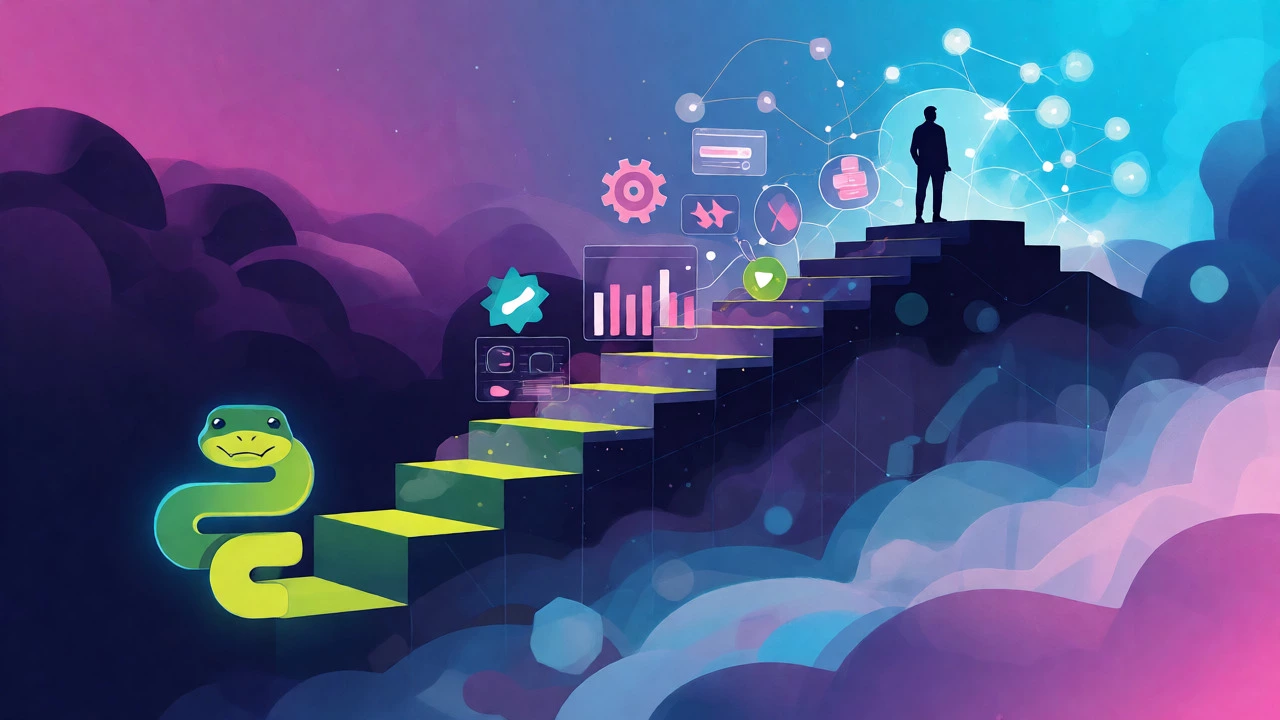
Once you’re comfortable with core Python, you need to pick a direction. Generalist knowledge gets you nowhere fast in the job market. Here’s how timelines vary based on specialization:
| Specialization | Key Libraries/Frameworks | Additional Time Required | Typical Outcome |
|---|---|---|---|
| Data Analysis | Pandas, NumPy, Matplotlib | 2-3 months | Clean datasets, create visualizations, perform statistical analysis. |
| Web Development | Django, Flask, FastAPI | 3-4 months | Build REST APIs, manage databases, deploy full-stack apps. |
| Automation/Scripting | Selenium, Requests, OS module | 1-2 months | Automate web interactions, file management, email bots. |
| Machine Learning | Scikit-Learn, TensorFlow, PyTorch | 4-6+ months | Train predictive models, handle neural networks, deep learning. |
Notice the variance? If you want to automate reports at work, you don’t need to learn Django. You just need pandas and maybe smtplib. You could be productive in six weeks. But if you want to be a Machine Learning Engineer, you’re signing up for a longer journey involving math, statistics, and complex library ecosystems.
Factors That Speed Up (or Slow Down) Your Progress
Your background matters. If you already know JavaScript or Java, you’ll pick up Python faster because concepts like loops and variables transfer directly. You might cut your learning time by 30%. If you’re coming from a non-tech background, expect to spend extra time grasping computational thinking.
Consistency beats intensity. Studying two hours every day is far better than cramming fourteen hours on Sunday. Your brain needs sleep to consolidate new patterns. I’ve seen students who studied all weekend forget everything by Wednesday. Daily exposure keeps the syntax fresh.
Also, consider your learning method. Self-study via free resources like documentation and YouTube is cheap but requires immense discipline. Structured coding bootcamps accelerate progress by forcing deadlines and providing mentorship, but they cost money and time. Hybrid approaches often work best: follow a structured curriculum but spend your evenings building personal projects.
From Student to Job-Ready: The Portfolio Gap
Knowing Python isn’t the same as being employable. Employers don’t care if you passed a quiz on list comprehensions. They care if you can solve business problems. This gap takes another 2-3 months to close.
You need a portfolio. Not just tutorial copies, but original projects. Did you scrape data from Airbnb listings to find the cheapest neighborhoods in Manchester? Put that on GitHub. Did you build a Discord bot that tracks cryptocurrency prices? Document it. Write a README file explaining what the project does, how to run it, and what challenges you faced.
Recruiters scan GitHub profiles. A green contribution graph shows activity. Clean commit messages show professionalism. Start contributing to open-source projects too. Even fixing a typo in documentation counts. It teaches you Git workflows, which are essential in any tech team.
Common Pitfalls That Waste Time
Tutorial hell is real. You watch course after course, feeling productive, but you never write independent code. Break the cycle. After finishing a tutorial section, close the video and try to recreate the project from scratch. If you get stuck, peek at the solution, then try again without looking.
Another trap is perfectionism. Beginners obsess over code style before their code even runs. Use linters like flake8 or formatters like black to handle style automatically. Focus on functionality first. Optimize later. Premature optimization is the root of much wasted time.
Finally, don’t ignore soft skills. Communication, teamwork, and ability to explain technical concepts matter. Join local meetups or online communities like Reddit’s r/learnpython. Asking questions helps clarify your own understanding.
Realistic Milestones Checklist
Use this checklist to gauge your progress. Tick off items as you complete them.
- [ ] Can explain difference between list and tuple.
- [ ] Can write a function with default arguments and keyword arguments.
- [ ] Can handle exceptions using try/except blocks.
- [ ] Can read and write CSV files using pandas.
- [ ] Can create a basic API endpoint using Flask.
- [ ] Can push code to GitHub with meaningful commits.
- [ ] Has built one end-to-end project deployed online.
If you check five or more boxes, you’re likely ready for junior-level interviews. If you’re struggling with the first three, go back to basics. There’s no shame in revisiting fundamentals.
Frequently Asked Questions
Can I learn Python in 3 months?
Yes, you can learn the basics and become proficient in automation or simple web scripts in three months if you dedicate 15-20 hours per week. However, becoming job-ready for a developer role usually takes longer, closer to six months, due to the need for portfolio projects and deeper framework knowledge.
Is Python harder than C++?
Generally, yes, Python is considered easier to learn than C++. Python has simpler syntax, automatic memory management, and a vast standard library. C++ requires manual memory management and stricter syntax, leading to a steeper initial learning curve. However, advanced Python topics like concurrency can still be challenging.
Do I need a computer science degree to learn Python?
No, you do not need a CS degree. Many successful developers are self-taught or come from bootcamps. What matters is demonstrable skill. Building a strong portfolio of projects and understanding fundamental computer science concepts (like data structures and algorithms) through self-study is often sufficient for entry-level positions.
How many hours a day should I study?
For steady progress, 1-2 hours daily is ideal. Consistency is key. Studying for 4 hours once a week is less effective than 30 minutes daily because retention improves with frequent exposure. Avoid burnout by taking breaks and ensuring you have time to rest and reflect on what you’ve learned.
Which Python version should I learn in 2026?
Learn Python 3.12 or later. Python 2 is long obsolete. Version 3.12 introduced significant performance improvements and error message enhancements. Ensure your environment supports the latest stable release to benefit from modern features like improved type hinting and pattern matching.